Sign in with Google in one click — no passwords, no forms.
By signing in you agree to our Terms and Privacy Policy. We only collect your name and email.
One quick question — it helps us build better for you. (Optional)
"Type any topic — GenMasterAI researches it, designs every slide with real images and charts, and hands you a ready .pptx you can present tomorrow."
✨ Generate Your PresentationTopic likho, dekho jaadu — professional presentation minutes mein taiyaar, class ho ya office।

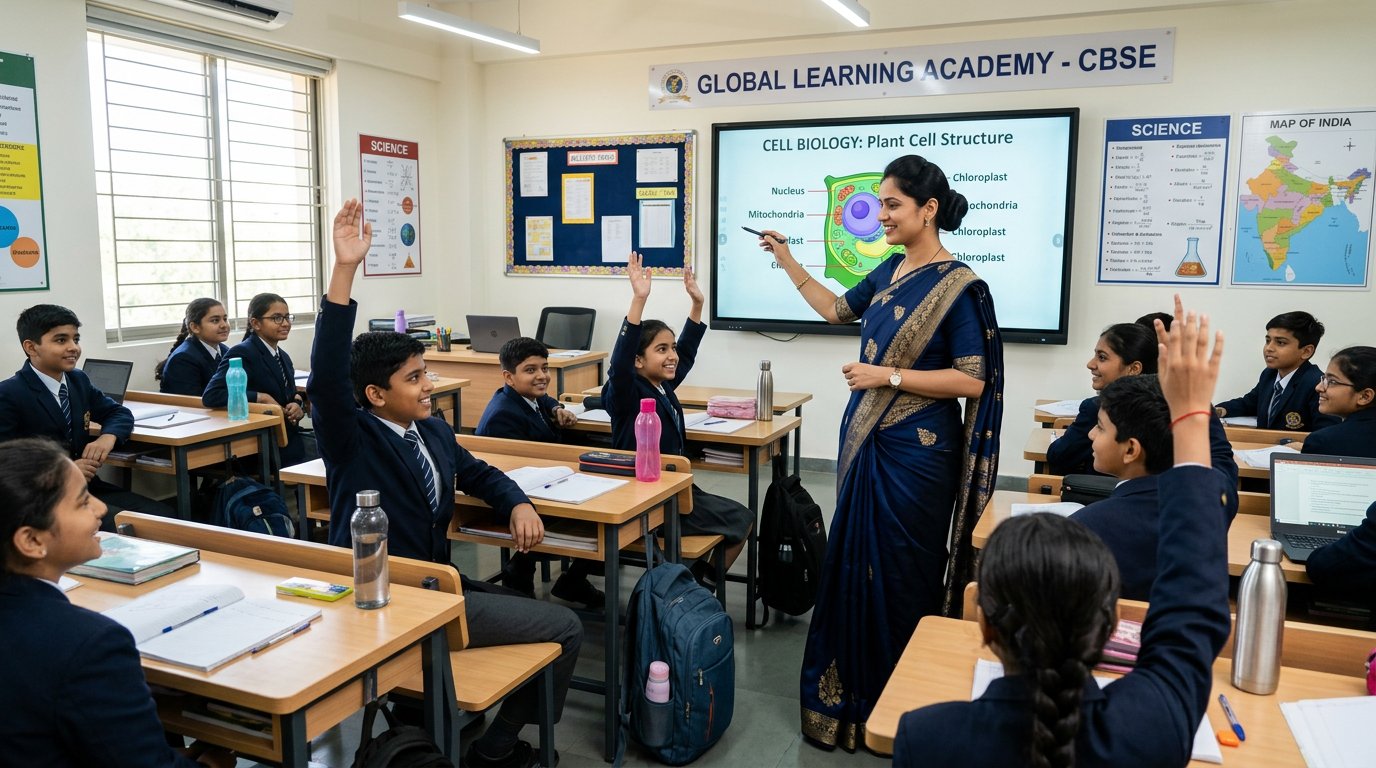
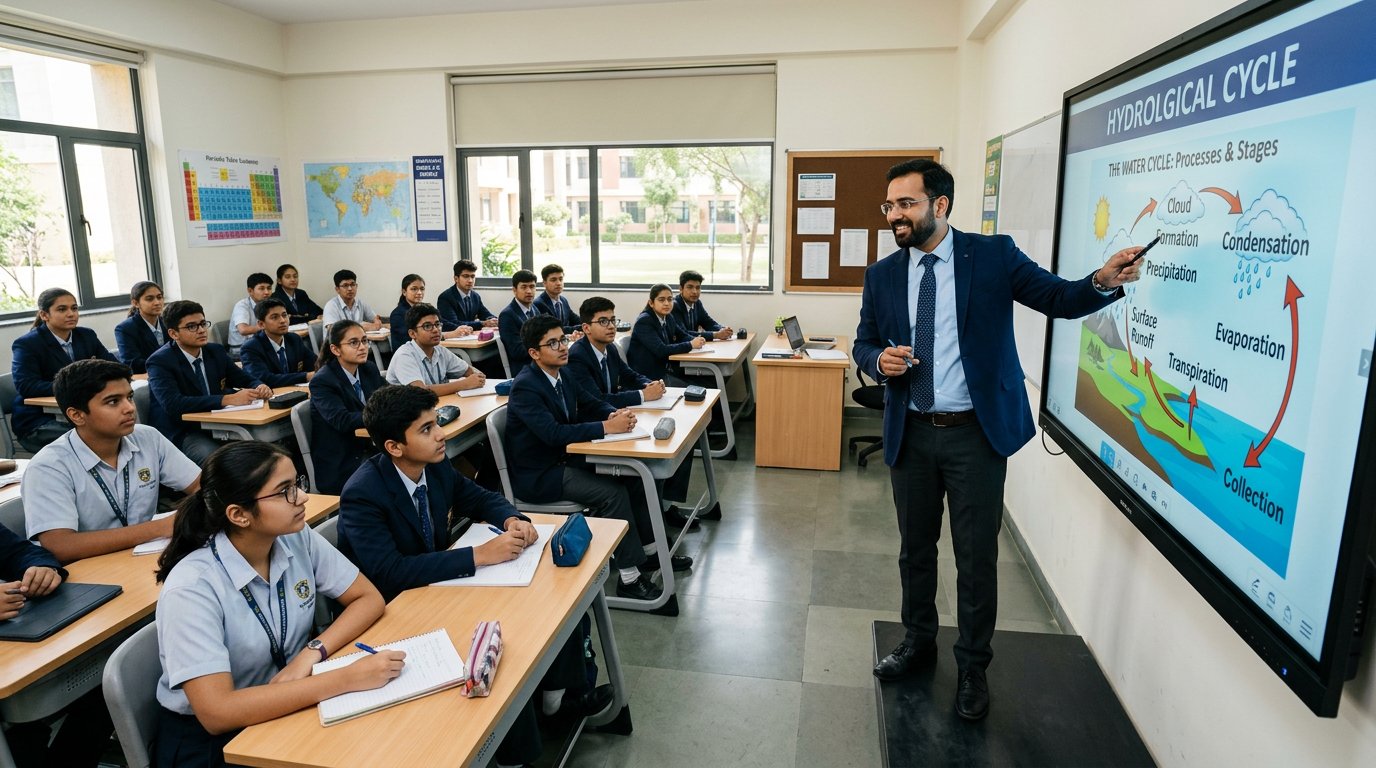
5 free · Animated .pptx · Ready in seconds
🎁 Free to start · No watermark · Ready in ~30–60s
Fade, fly-in, wipe and zoom entrance effects on every shape, sequenced properly. Slide transitions included.
Bar charts, icon rows and quote cards are generated for you, so no two slides look the same.
Indigo Night, Saffron, Emerald, Rose and Clean Light — pick whichever suits the mood of your talk.
What to say on each slide is written for you in advance — a genuine life-saver for teachers.
Choose Hinglish for an Indian classroom, or clean formal English for professional presentations.
A standard .pptx file that opens and edits in PowerPoint, Keynote, LibreOffice and Google Slides.
Upload the downloaded .pptx to Google Drive, then right-click the file and choose Open with → Google Slides. All slides, colours and most animations carry over.
In Google Slides use File → Download → PDF Document, or in PowerPoint use File → Export → Create PDF.
Use File → Download → Plain Text in Google Slides, or File → Export → Create Handouts in PowerPoint, and your content lands in a Word document.
Making a presentation is the single most time-consuming task for teachers and students alike. Research the content, write the slides, fix the layout, pick colours, add animations — a decent 10-slide deck easily eats two to three hours. The GenMasterAI AI PPT maker does the same job in about ten seconds.
You type a topic. GenMasterAI researches it and builds a structured outline — introduction, background, core concepts, how it works, benefits, challenges, examples, statistics, a case study, future scope and a summary. Every slide carries three crisp bullet points, a matching visual and a speaker note. Entrance animations and slide transitions are then injected directly into the file’s OOXML, so the presentation genuinely moves.
Most free AI presentation tools hand you flat, static slides and stamp a watermark on the download. GenMasterAI gives you real animations, no watermark, researched content instead of filler text, and files that open cleanly in PowerPoint, Google Slides and Keynote.
Type your topic, choose slides and theme, tap Generate. Your .pptx downloads in ~60 seconds.
Yes — entrance animations and transitions are written directly into the PPTX file and play in PowerPoint/Google Slides.
GenMasterAI accepts Hindi topics (like 'प्रदूषण के कारण') and makes properly formatted Hindi slides with no watermark.
Yes — turn on 'Include images' and the AI automatically adds relevant, properly-licensed photos to each slide.
